Cards micro-learning

Intégration

Canva

Do you create your educational or internal visuals on Canva? With Cards, integrate them into your micro-learning modules in one click.

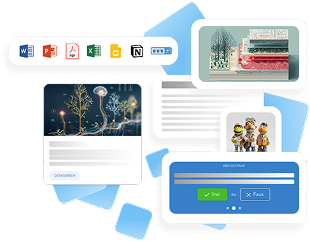
Illustration of various digital content types including document, presentation, spreadsheet, and web icons, alongside images and a quiz interface with true or false options.
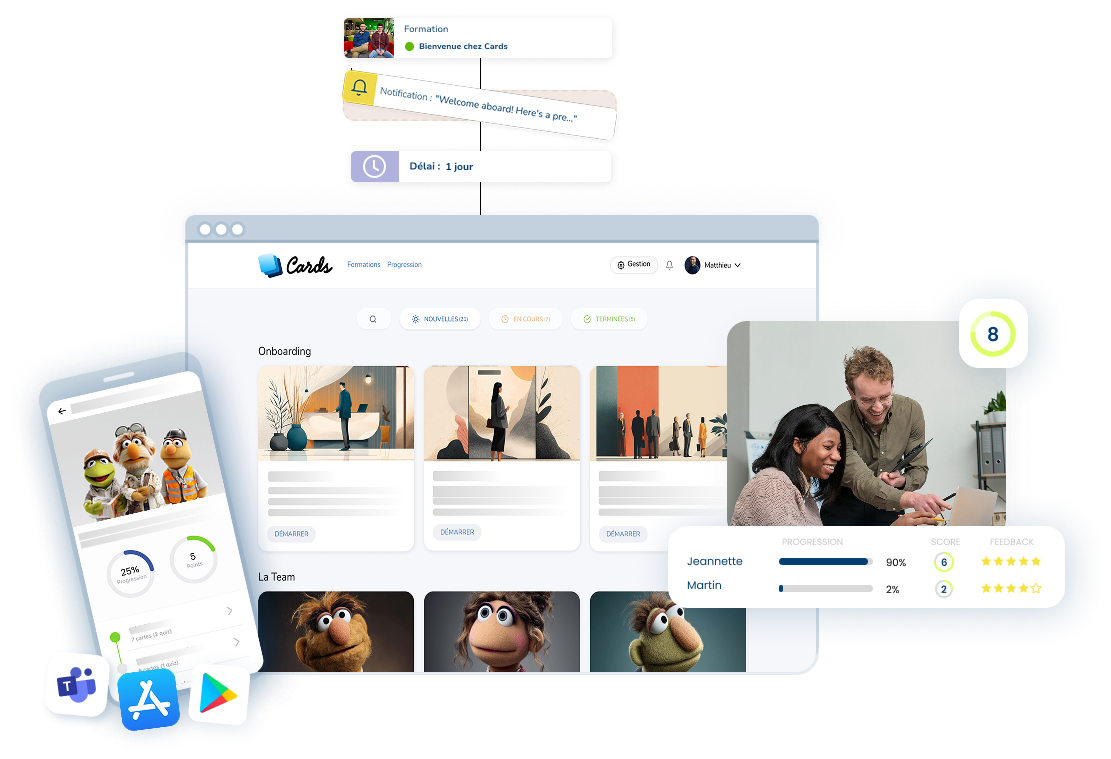
Interface de plateforme d'apprentissage en ligne avec tableau de bord, progression des utilisateurs, notifications, et application mobile montrant des personnages de marionnettes.
Trois cartes carrées superposées avec des dégradés de bleu clair à bleu foncé.

Presentation

Do you create your educational or internal visuals on Canva? With Cards, integrate them into your micro-learning modules in one click. Gain graphic consistency, speed of execution, and visual impact on each map.

Main features

  • 🎨 Inserting your Canva creations directly into Cards
  • 🔄 Easy updates without going through the authoring tool
  • 📐 Responsive adaptation of visuals according to Cards formats

How does it work

From Canva, export your visuals (posters, slides, infographics...) and insert them directly into a card. No need to reprocess your media: Cards takes care of their optimized distribution in your routines.

Benefits

  • Save time by directly integrating your existing supports
  • Strengthen the visual impact of your micro-learning
  • Maintain style consistency without relying on a graphic designer or a rigid LMS
  • Optimize the continuous updating of your visuals, even in routines that are already online